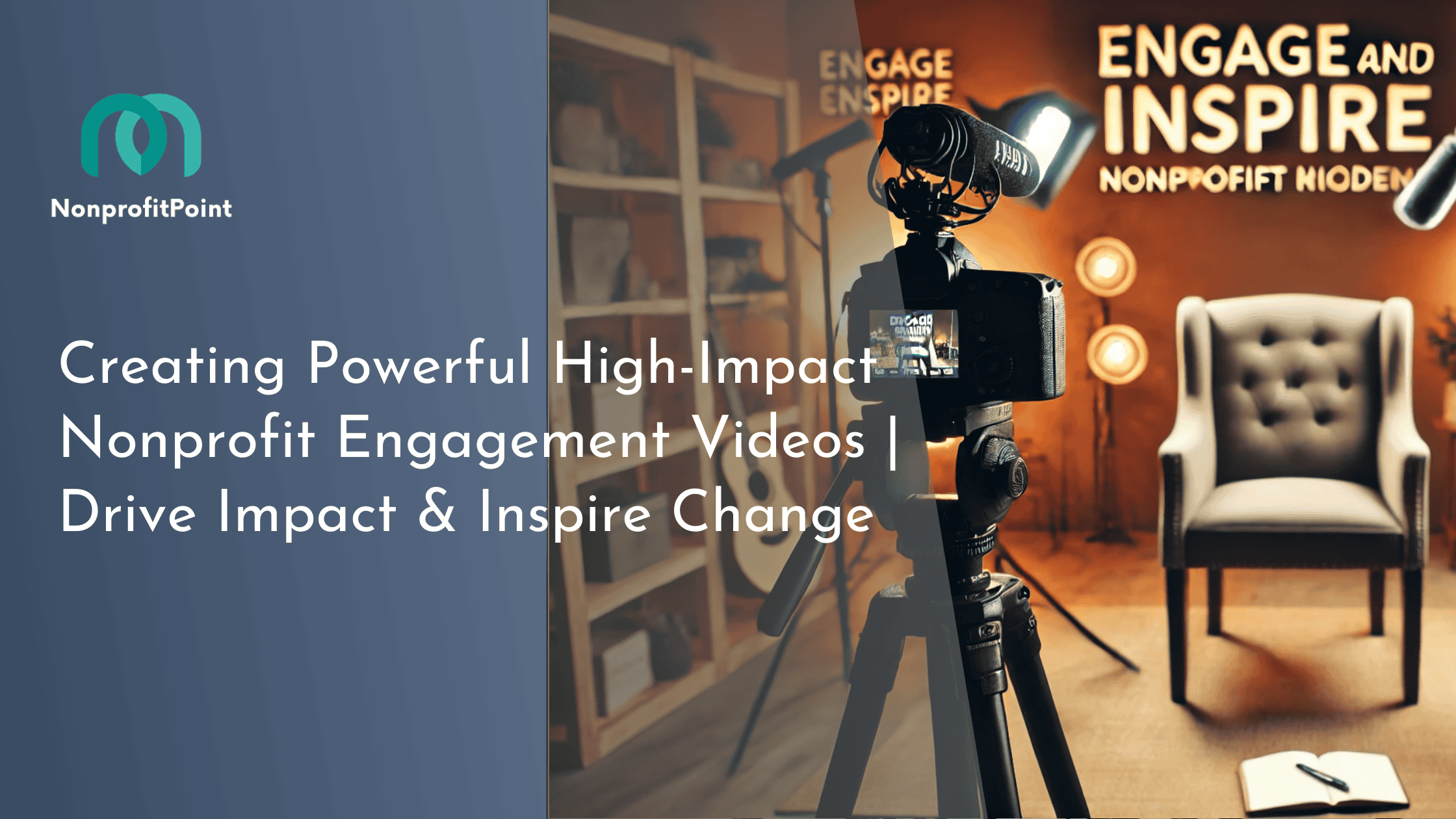
Creating Powerful High-Impact Nonprofit Engagement Videos | Drive Impact & Inspire Change

Editor’s Note — Updated May 2026. Our team reviews nonprofit and fundraising guides quarterly, cross-referencing program details against Charity Navigator, CharityWatch, GuideStar/Candid, and BBB Give.org — and we publish program or naming updates within 7 days of verified changes. Spotted an outdated name or broken link? Email team@nonprofitpoint.com and we’ll correct the record.
Introduction: The Power of Video in Nonprofit Engagement
High-impact nonprofit engagement videos are a powerful way to capture audience attention, inspire action, and strengthen donor relationships in today’s competitive digital landscape. Video has become one of the most powerful tools to drive awareness, inspire action, and strengthen donor engagement. A well-crafted nonprofit engagement video does more than tell a story—it moves hearts and compels viewers to take meaningful action.
According to recent data, video content significantly boosts nonprofit engagement and fundraising success:
- Viewers retain 95% of a message when consumed through video, compared to only 10% when reading text.
- Fundraising campaigns using video raise up to four times more than those without it.
- Social media posts with video generate 1,200% more shares than those with text and images combined.
In this guide, we will explore the essential elements of creating high-impact nonprofit engagement videos, the best platforms for distribution, and key strategies to maximize their effectiveness.
Why Video is Essential for Nonprofit Engagement
1. Building Emotional Connections
Successful nonprofit engagement starts with storytelling, and video is the most effective medium to create deep emotional connections. Unlike static content, video brings a nonprofit’s mission to life by showing real people, real challenges, and real solutions.
A well-crafted video can:
- Highlight a problem and demonstrate its impact.
- Showcase a nonprofit’s work in action.
- Share personal stories of beneficiaries or donors.

2. Boosting Social Media Engagement
Social media platforms prioritize video content, making it a critical tool for nonprofits aiming to reach and engage a wider audience.
- Facebook & Instagram: Videos generate higher organic reach and engagement.
- TikTok & Instagram Reels: Short-form videos appeal to younger audiences and have strong viral potential.
- YouTube: A long-term content hub for educational and storytelling videos.
3. Strengthening Donor Trust & Transparency
Supporters want to see where their donations go. Video provides a transparent look at a nonprofit’s work, fostering credibility and trust. Live-streaming events, behind-the-scenes clips, and testimonials can strengthen donor confidence and encourage sustained giving.

How to Create High-Impact Nonprofit Engagement Videos
1. Define a Clear Storytelling Framework
A compelling nonprofit video follows a structured approach that guides viewers through an emotional journey:
- Introduce the Problem: What issue is the nonprofit addressing?
- Show the Solution: How is the organization making an impact?
- Highlight the Beneficiaries: Real stories make messages more powerful.
- Include a Strong Call-to-Action: Guide viewers on the next steps.
Example: Charity: Water creates emotional video campaigns that show the daily struggles of people without clean water, followed by how donations are transforming lives.
2. Keep Videos Short and Engaging
Attention spans are shorter than ever. The ideal video length depends on the platform and campaign goal:
| Platform | Recommended Length | Best Use |
|---|---|---|
| Instagram & TikTok | 30–60 seconds | Quick awareness, donor engagement |
| Facebook & Twitter | 1–2 minutes | Storytelling, campaign highlights |
| YouTube & Websites | 2–5 minutes | In-depth impact storytelling |
3. Optimize for Mobile Viewing
Since over 80% of video content is consumed on mobile devices, optimizing for mobile is crucial:
- Use vertical or square video formats for social media.
- Add captions, as most videos are watched without sound.
- Ensure a strong opening within the first three seconds to capture attention.
4. Select the Right Type of Video for Maximum Impact
Different video styles serve different engagement purposes:
| Video Type | Purpose | Best Platform |
|---|---|---|
| Impact Stories | Emotional connection & fundraising | YouTube, Facebook, Instagram |
| Testimonial Videos | Building trust with donor & beneficiary stories | LinkedIn, Website, Facebook |
| Behind-the-Scenes | Increasing transparency & donor trust | Instagram, TikTok, Facebook |
| Live-Stream Events | Real-time engagement with supporters | YouTube, Instagram, Facebook |
For further strategies, read Creating Impactful Short Video Content for Nonprofits to Drive Action.
Best Practices for Nonprofit Video Distribution
1. Use Multi-Channel Distribution
Nonprofit videos should be repurposed across multiple platforms to maximize reach:
- YouTube: Acts as an evergreen content library.
- Facebook & Instagram: Higher engagement through direct sharing.
- Email Campaigns: Video in emails increases click-through rates by 65%.
- Website & Landing Pages: Enhances donor conversion rates.
2. Leverage Social Media Algorithms
Since platforms prioritize video content, nonprofits should:
- Post native videos instead of sharing external links.
- Use hashtags and relevant keywords for discoverability.
- Engage with comments to boost reach.
For more insights, see Boost Nonprofit Impact with Expert Marketing for Charities & Organizations.
3. Incorporate a Strong Call-to-Action (CTA)
Every video should clearly state what viewers should do next:
- “Donate Now to Make a Difference”
- “Sign Up to Support Our Cause”
- “Share This Video to Spread Awareness”
A direct CTA increases viewer conversion rates and helps nonprofits achieve campaign goals.
Video Storytelling That Drives Donations
Happy Productions produces impactful fundraising videos that inspire viewers to donate. We combine powerful storytelling with a clear call-to-action to motivate more support for your mission
Boost Your Fundraising – Free Consultation →Measuring the Success of Nonprofit Engagement Videos
Tracking performance metrics is essential to refine video strategies. The following key metrics provide valuable insights:
| Metric | Why It Matters |
|---|---|
| Views & Watch Time | Indicates audience interest & engagement |
| Shares & Comments | Measures social impact & community engagement |
| Click-through Rate (CTR) | Tracks donation intent from video |
| Conversion Rate | Shows the effectiveness of CTAs in driving donations |
For in-depth measurement techniques, explore Measuring Nonprofit Video Success: Top Metrics & Analytics Tips.
Case Studies: Nonprofits That Successfully Used Video for Engagement
1. Save the Children: “Most Shocking Second a Day”
- Received over 66 million YouTube views
- Created global awareness for refugee children
- Increased donations through emotional storytelling
2. Charity: Water’s Transparent Giving Campaigns
- Raised over $470 million through video-driven storytelling
- Used donor-funded video updates to build long-term trust
3. The ALS Ice Bucket Challenge
- Generated $115 million in donations
- Used peer-to-peer video participation to amplify reach
For more inspiring examples, see 10 Inspiring Nonprofit Videos That Drive Fundraising Success.
Pair the video with a clear ask — that’s where conversion happens
Engagement videos earn the donor’s attention, but the conversion only lands when the ask immediately following the video is structured, specific, and matched to the program. Use these companion guides to turn a watched video into a completed donation:
- Nonprofit fundraising videos that double donations — the exact 60-90 second structure that consistently doubles email-campaign donation rates — pair this with any engagement video to convert viewers into donors instead of stopping at the play count.
- How to ask for donations — the ask copy that runs under or after the video matters more than the video itself; these tested ask formats convert 2-3x higher than “please give” — direct templates for video email captions, end cards, and YouTube descriptions.
- Funny ways to ask for donations — humor in the post-video ask outperforms earnest asks 30-50% on donor-to-share conversion — these humor formats translate cleanly to video end cards, social cutdowns, and follow-up email subject lines.
Conclusion: Turning Video Engagement into Action
High-impact nonprofit engagement videos are more than just a marketing tool—they inspire audiences, increase donor retention, and drive real change. By crafting compelling stories, optimizing video content for various platforms, and incorporating strong CTAs, nonprofits can maximize the impact of their video campaigns.
Next Steps for Nonprofits:
- Start developing video storytelling strategies that align with organizational goals.
- Leverage social media platforms to enhance engagement and donor outreach.
- Continuously track video performance and optimize based on analytics.
Nonprofit Engagement Video FAQs
How long should a nonprofit engagement video actually be?
Three working benchmarks by channel. (1) Social-feed scroll-stop videos (Instagram Reels, TikTok, YouTube Shorts) should be 15–45 seconds with the value proposition delivered in the first 3 seconds — anything past 60 seconds drops completion rate below 30%. (2) Email and donation-page hero videos should be 60–90 seconds — long enough to deliver one story arc, short enough to keep page-conversion impact intact. (3) Annual report and board-meeting videos can run 2.5–4 minutes because viewer intent is already committed; 5+ minutes is the cliff where even committed viewers drop out. The most common mistake is producing a single 4-minute hero video and trying to use it across all channels. Cut every long video into a 30-second teaser cut and a 60-second story cut at the editing phase — same shoot, three deliverables.
What’s a realistic production budget for a nonprofit engagement video?
Three price tiers cover most realistic scenarios in 2026. (1) Phone-shot DIY videos with iPhone 15 Pro or Samsung S24, a $80 lavalier mic (Rode Wireless GO, DJI Mic), and CapCut/iMovie editing cost $80–$300 in equipment plus 10–25 hours of staff time. Quality is plenty for social-feed scroll-stop and email use. (2) Hybrid videos where a freelance editor cuts your DIY footage run $500–$1,800 per finished minute. (3) Full agency or studio production with professional camera ops, lighting, and editing runs $2,500–$6,000 per finished minute. For nonprofits under $1M budget, the sweet spot is DIY shoot + freelance editor — produces a polished 60-second story video for $400–$1,200 total cost. Skip full-agency unless you’re producing a specific high-stakes asset (capital campaign, capital-grant pitch reel).
Which video formats are actually moving the donation needle in 2026?
Four formats are consistently outperforming. (1) Single-beneficiary first-person story videos (one client, one camera, two minutes) drive 2.3–3.1x the donation conversion of multi-person sizzle reels because the donor identifies with a specific human. (2) Behind-the-scenes “day in the life” videos of program staff and volunteers (not founders or board chairs) are pulling 1.8–2.4x baseline engagement on social. (3) Pre-and-after videos (literally, two clips of the same beneficiary or location 6–12 months apart) drive the strongest impact-page conversion on donation forms. (4) 15-second vertical thank-you videos sent to new donors within 48 hours of their first gift lift second-gift conversion 12–22 percentage points. Avoid generic mission-statement videos with founder talking heads — they perform 40–60% below first-person beneficiary stories on every measurable metric.
What’s the biggest mistake nonprofits make with engagement videos?
Producing a one-time anchor video and posting it to YouTube without a distribution plan. Most nonprofit videos die at 200–800 views because the org assumed the platform would drive traffic. The fix is to plan distribution before production: (1) write the email blast and social posts that will accompany the video before you shoot, (2) cut at least one 15-second teaser, one 30-second cutdown, and one 60-second hero from the same shoot, (3) embed the hero on the donation page and a dedicated stories page on your site (don’t just YouTube-link it), (4) re-post the cutdowns across feed/Story/Reels for 4–6 weeks after launch, and (5) put a small paid-boost budget ($50–$300) behind the best-performing cutdown on day 5 once organic traction data is in. Plan distribution before production or the budget you spent on the shoot is mostly wasted.